Keybinds
Setting up efficient keybinds for RuneScape combat
Keybind Theory
As RuneScape is an ability bar based game, you can click-drag abilities and interactable items onto your action bar and activate them via a keybind.
Keybinds are optional but are a beneficial tool used to better control your inputs. While there are many uses for keybinds, they are most widely used for combat.
Many players bind things like food, overhead prayers, movement abilities such as Surge, Escape, and Dive, and of course - combat abilities.
What you set your keybinds to is very much down to personal preference, but the following guidelines can be used to help you with your decision making process.
Minimize Hand Movement
The less your hand needs to move between inputs, the easier it is to build muscle memory and reduce hand fatigue. This can be done by placing frequently used abilities close to where your hand naturally rests. This natural resting spot for your keyboard hand will be referred to as the Home Row.
Batch Similar Abilities
Many players choose to have a dedicated row for specific types of bindable actions. For example, you may want to use a home row of Q, W, E, R, T and Y for your most used Basic abilities. Many combat styles have similarly styled abilities, so you can reuse many of the same keybinds for similar damage dealing abilities.

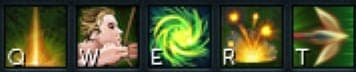
You can build out the rest of your keybinds around your home row to minimize hand movement. The following batches of abilities are recommended:
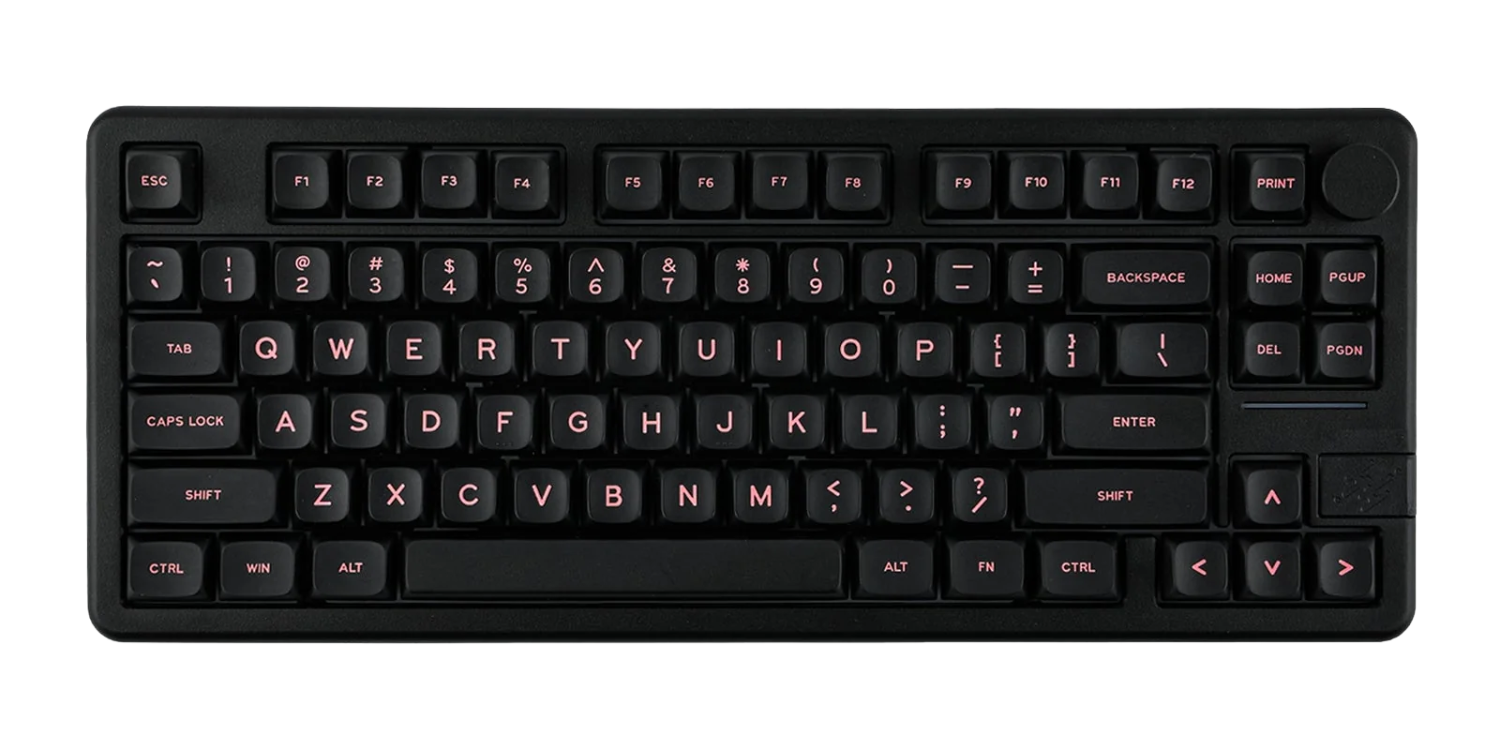
Hover to preview, click to lock
| Name | Description |
|---|---|
| Basics | Your most used basic abilities |
| Threshold Abilities | Your threshold damage abilities |
| Ultimate Abilities | Your ultimate damage or buff abilities |
| Defensives | Defensive abilities like Resonance, Debilitate |
| Overhead Prayers | Protection prayers for different combat styles |
| Switches | Weapon and gear switches |
| Movement Abilities | Surge, Escape, Dive, and Bladed Dive |
| Potions and Food | Healing food and combat potions |
MMO Mouse Binds
Many players choose to use an MMO mouse with side buttons for RuneScape. This is not needed, but can be a good way to balance out your keybinds between both hands. Many players will bind food, potions, and movement abilities to their mouse.
Modifier Keys
To further minimize hand movement, you may consider utilizing a Modifier Key such as Shift, Alt, or Control.
This allows you to use the same key for different actions by pressing the modifier key in conjunction with the main key. For example, the image shows each key of your Home Row being used for another ability with the modifier Alt, listed as a on keybinds.
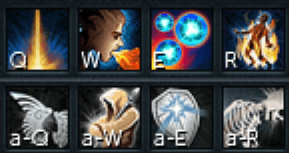
Practice Makes Perfect
Keybinds are hard! Building good habits and muscle memory can take time, but as long as you've followed the previous principles, you'll be PvMing in no time!