The Tick System
Understanding RuneScape's 0.6 second tick system
How Does the World Work?
The game runs on what we call ticks, or cycles. Every 0.6 seconds, information is sent between you and RuneScape's servers, keeping your character up to date on what you're doing.
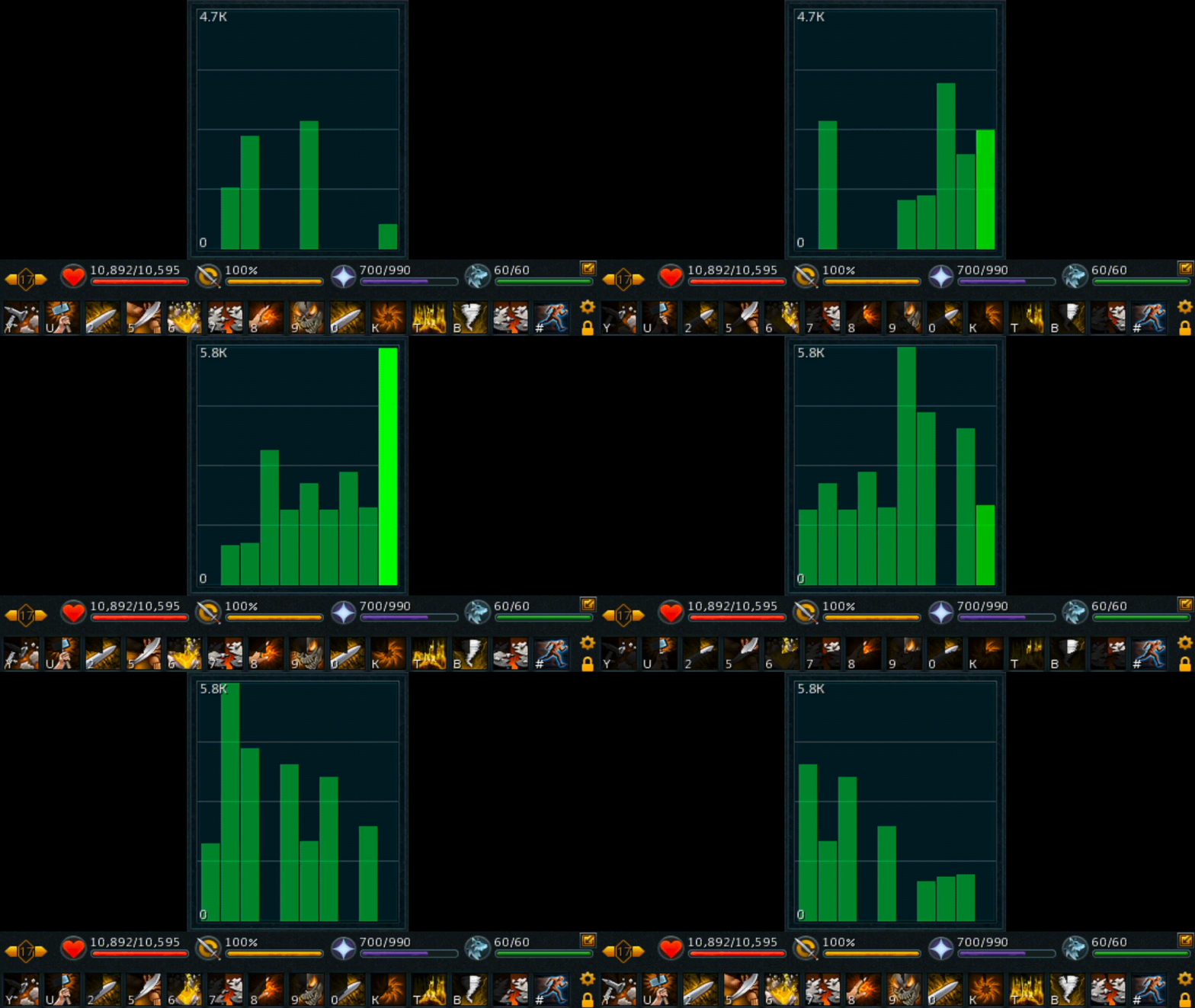
Damage Ticks & Ability Cooldowns work off of the tick system
This is the core of understanding RuneScape, from your early levels all the way to the end game. Whether you're catching a fish, or trying to dodge an attack at a boss, you'll be constantly interacting with these 0.6 second intervals.
The Global Cooldown
When using abilities it's worth getting used to the Action Bar. This has a global cooldown of 1.8s. This means you can conventionally cast a new ability every 1.8s, and abilities will spin around during this time.
Because of the 0.6s tick system, this means that a GCD (Global Cooldown) consists of 3 ticks. If you are manually using abilities, aim to press your next ability in the green section of the ability icon when it's almost finished cooling down.
Reducing Input Delay
In addition, some players find there is significant delay in their inputs. While this is not directly related to the Tick system, we recommend the following settings to ensure smooth, responsive gameplay:
- Play on a server that is geographically close to your location
- When performing high input activities such as Combat, play on a world with under 200 players