Client Setup
How to download and install the RuneScape client
New Players
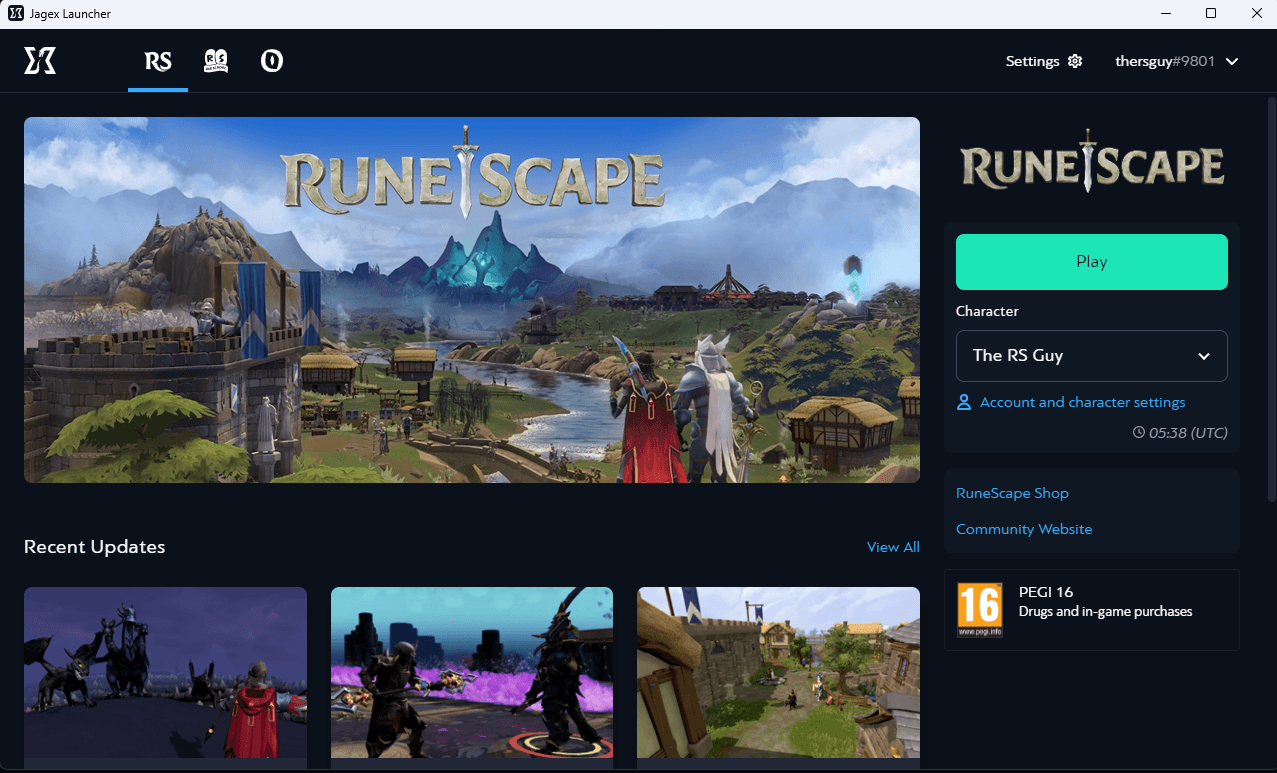
If this is your first time creating a RuneScape account to access the world of Gielinor, you will need to start by downloading the official game client and creating an account through the Jagex Launcher.
Download Jagex Launcher
Once you have created your account and verified your email address, you will be asked to create a Jagex Account Name. This is different from your character name.
Jagex will use your Jagex Account Name when contacting you about your account. Your RuneScape or Old School character names will not be used.
Once you're on the client, you can click New Character to start your adventure!
OSRS Players
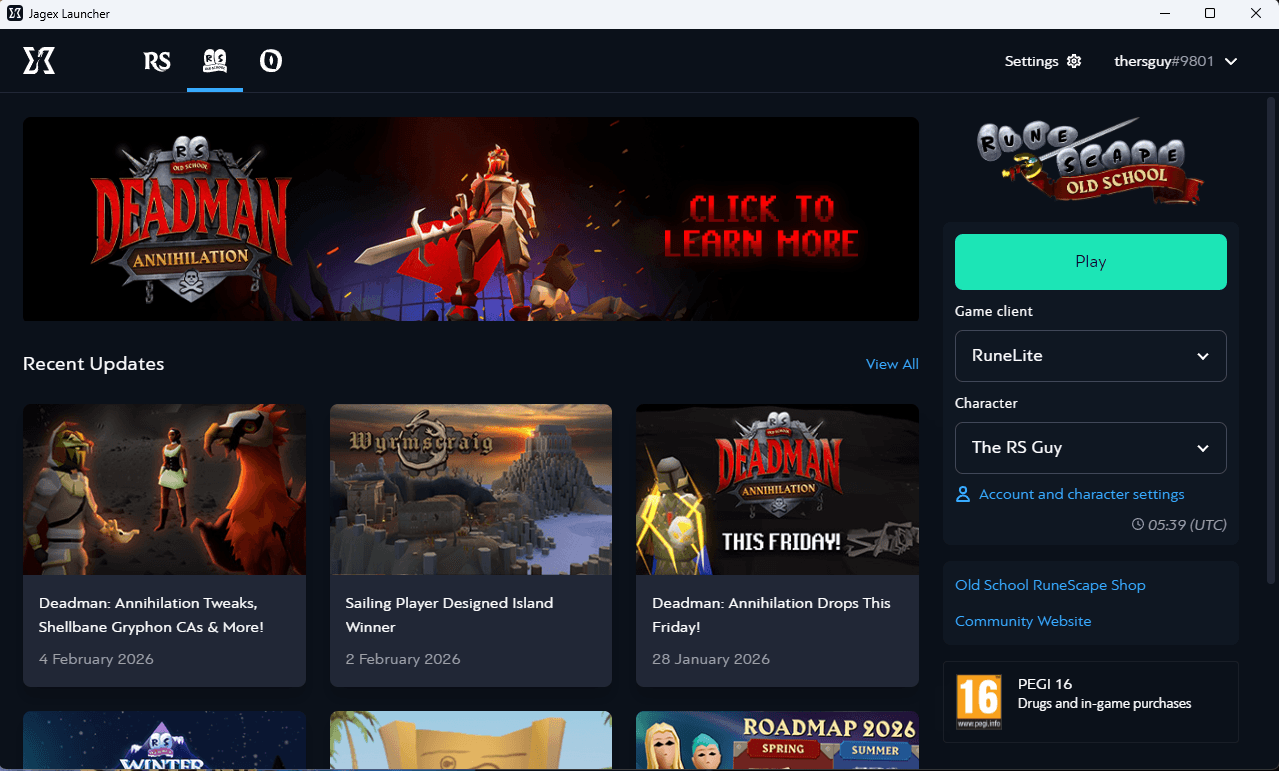
If you are an existing OSRS player who is already on the Jagex Launcher, you can access the official RS client by clicking the RuneScape button in the top left corner of the launcher and selecting your desired character. No additional steps are required!
Note: If you have an active membership on your existing OSRS Account, it will work for both RuneScape and OSRS, but you will not be able to play the same account on both games at the simultaneously.