Recommended Settings
The Best RuneScape Settings for Beginners
While these settings are not required to play RuneScape, we believe they're the best starting point to ensure you have a smooth experience right out of the gate.
You can quickly search for any of these settings by using the search bar located at the top left side of the Gameplay tab in your settings.
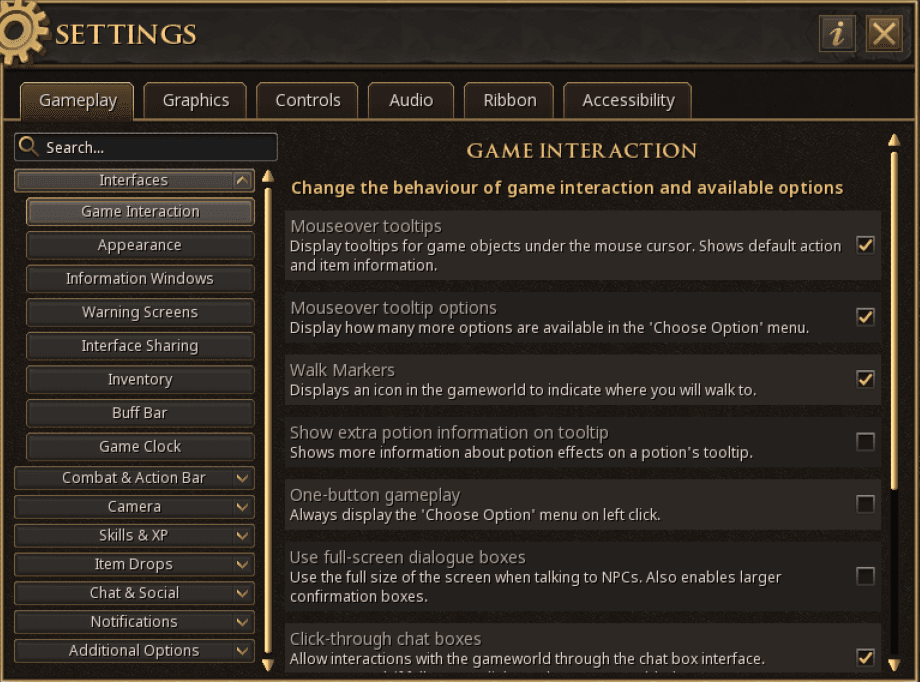
Recommended Gameplay Settings
| Setting | Location | State |
|---|---|---|
| Skip Travel Cutscenes | Gameplay > Interfaces > Game Interaction | ON |
| Hide Title Bars when Locked | Gameplay > Interfaces > Appearance | ON |
| Shift-click to Drop Items | Gameplay > Interfaces > Inventory | ON |
| Camera Shake | Gameplay > Camera > System | OFF |
| Hide Familiar Options | Gameplay > Combat & Action Bar > 'Choose Option' Menu | OFF |
| Multiple Items open Loot Inventory | Gameplay > Item Drops > Loot System | ON |
| Single Items open Loot Inventory | Gameplay > Item Drops > Loot System | ON |
| Use Area Loot | Gameplay > Item Drops > Loot System | ON |
Recommended Graphics Settings
In addition to the gameplay settings, we also recommend these graphics settings, which can be found in the graphics tab of the settings menu.
| Setting | Location | State |
|---|---|---|
| Remove Roofs | Graphics > Advanced | Always or Selectively |
| Foreground FPS | Graphics > Advanced | 60+ (120 recommended) |
| Background FPS | Graphics > Advanced | 60+ |
| Loading Screens | Graphics > Advanced | OFF |